Surprise your audience at Christmas

Christmas is one of the most beloved seasons for many creators. However you celebrate it, you surely receive a lot of affection from your audience, whether through greetings or gifts.
Your eSponsor page is a great tool to share with your audience and enjoy the holiday spirit. Here's how** 👇**
Build your Christmas wishlist
With your wishlist, anyone in your audience will know what to gift you. They can pay the price of the gift and you receive the money to buy it.
To build a Christmas wishlist, go to the Wishlist section and click Add wish.
Add a name, an image, a description, and the price of the wish. Click Add and your wish will be published.
There's no limit to how many wishes you can share!
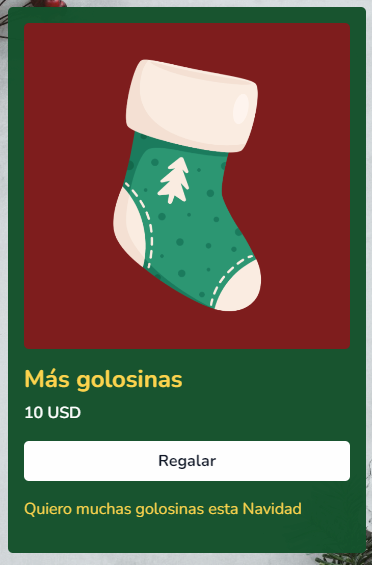
This is how you can receive gifts
Gift shop coupons
A great gift for your audience is a discount coupon for your shop.
Whether it's 10% or 50%, a discount is always welcome. Remember to share them on your social networks!
Create your discounts here: https://esponsor.com/discounts
Gift subscription plan coupons
Your subscription plans can have discounts too.
You can offer subscriptions at a lower price, for a set number of months or forever.
Create your discounts here: https://esponsor.com/discounts
Send a Christmas letter to your sponsors
In the Messaging section you can send mass greetings to all your sponsors.
A message written directly from you, thanking them for all the support you receive, will be a great Christmas surprise.
Send a message from the Messaging section: https://esponsor.com/discounts. Remember to type "/" in the text editor to insert images or style what you write.
Partner with a foundation
If your thing is doing good deeds at Christmas, there are hundreds of nonprofits that also use eSponsor.
Sharing their profile on your social networks helps a lot so they can continue their wonderful work 🫂
If you want to support a foundation this Christmas, email us at info@esponsor.com.
Make sure you complete the following 👇
☐ Your page URL in the bio of your social networks ☐ Wishlist created ☐ Social media post indicating you have a wishlist ☐ Pinned post on your social networks inviting people to visit your page ☐ Special Christmas products published or in draft ☐ Free or sample product published or in draft ☐ Featured products appear first in your shop ☐ Product discount coupons created ☐ Subscription plan discount coupons created ☐ Christmas message written and sent in Messaging ☐ Wishlist link created ☐ Shop link created ☐ Subscription plans link created ☐ Content inviting people to see your discounts published or scheduled ☐ Reminder content for your discounts scheduled ☐ Content explaining your active coupons scheduled ☐ Incomplete campaign visible on your page
How to complete the checklist?
To create wishlists 👉 https://esponsor.com/wishlist
To create discounts 👉 https://esponsor.com/discounts
To create products 👉 https://esponsor.com/shop
To create subscription plans 👉 https://esponsor.com/memberships/tiers
To create content 👉 https://esponsor.com/content-manager/posts
To create links 👉 https://esponsor.com/page/links/groups
To create campaigns 👉 https://esponsor.com/goals
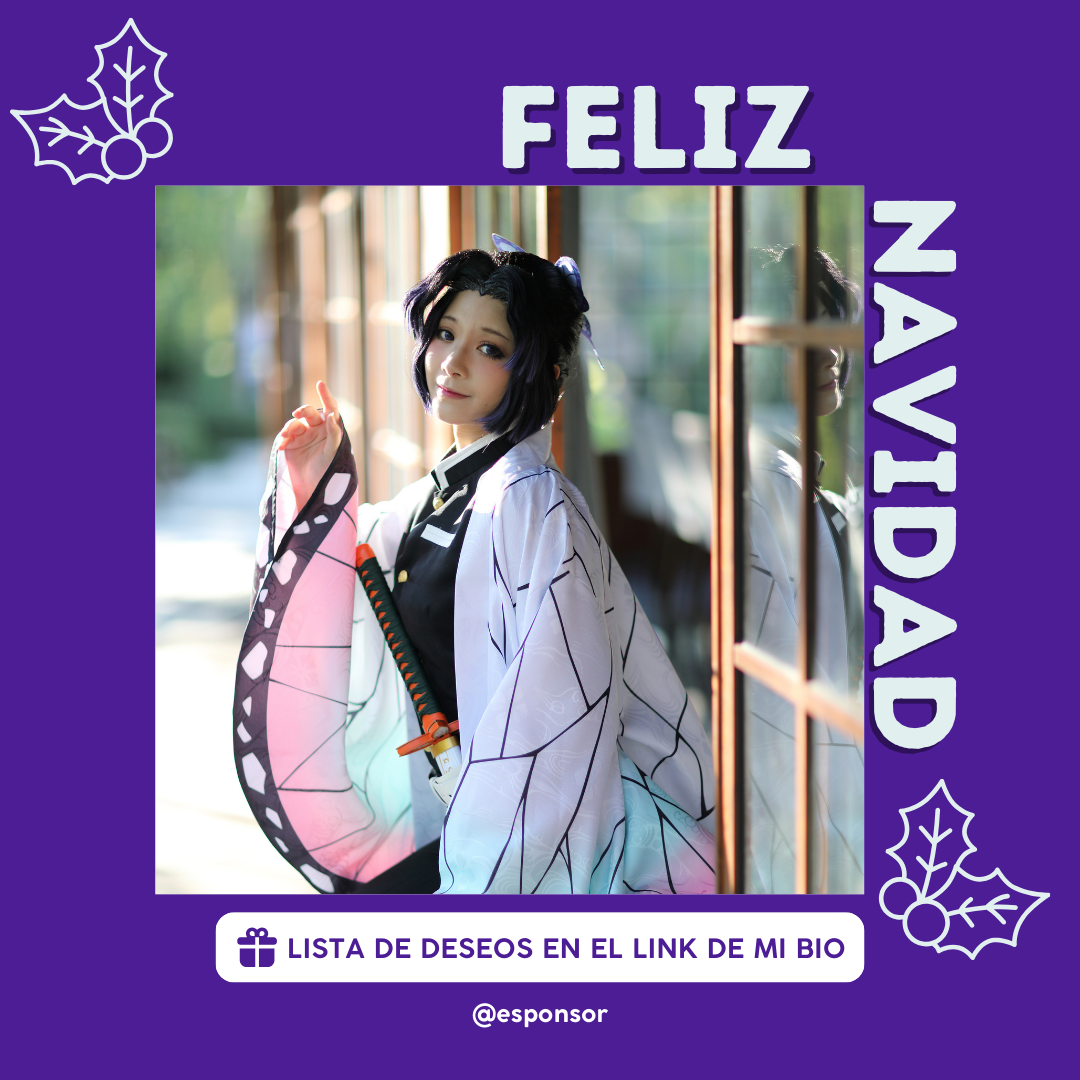
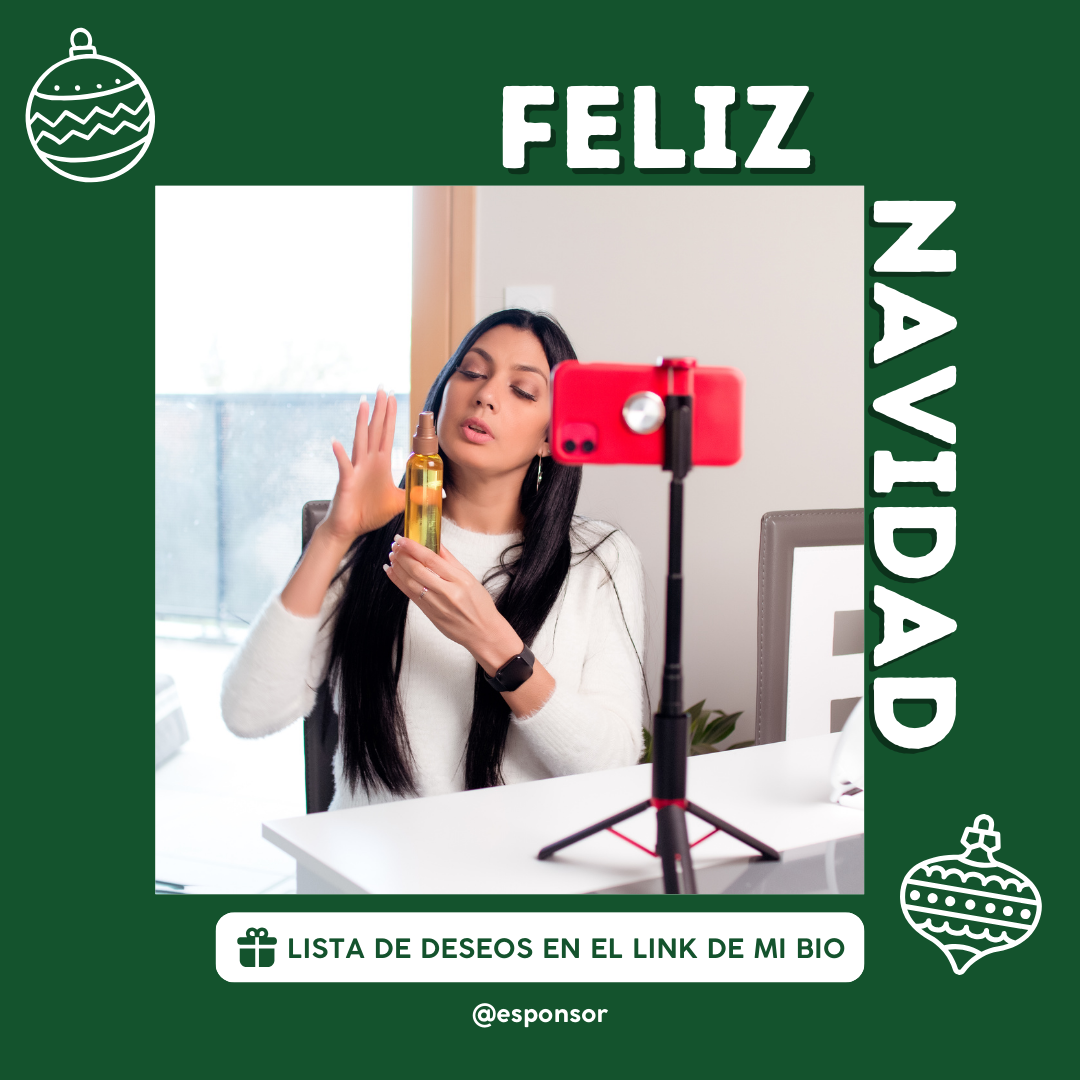
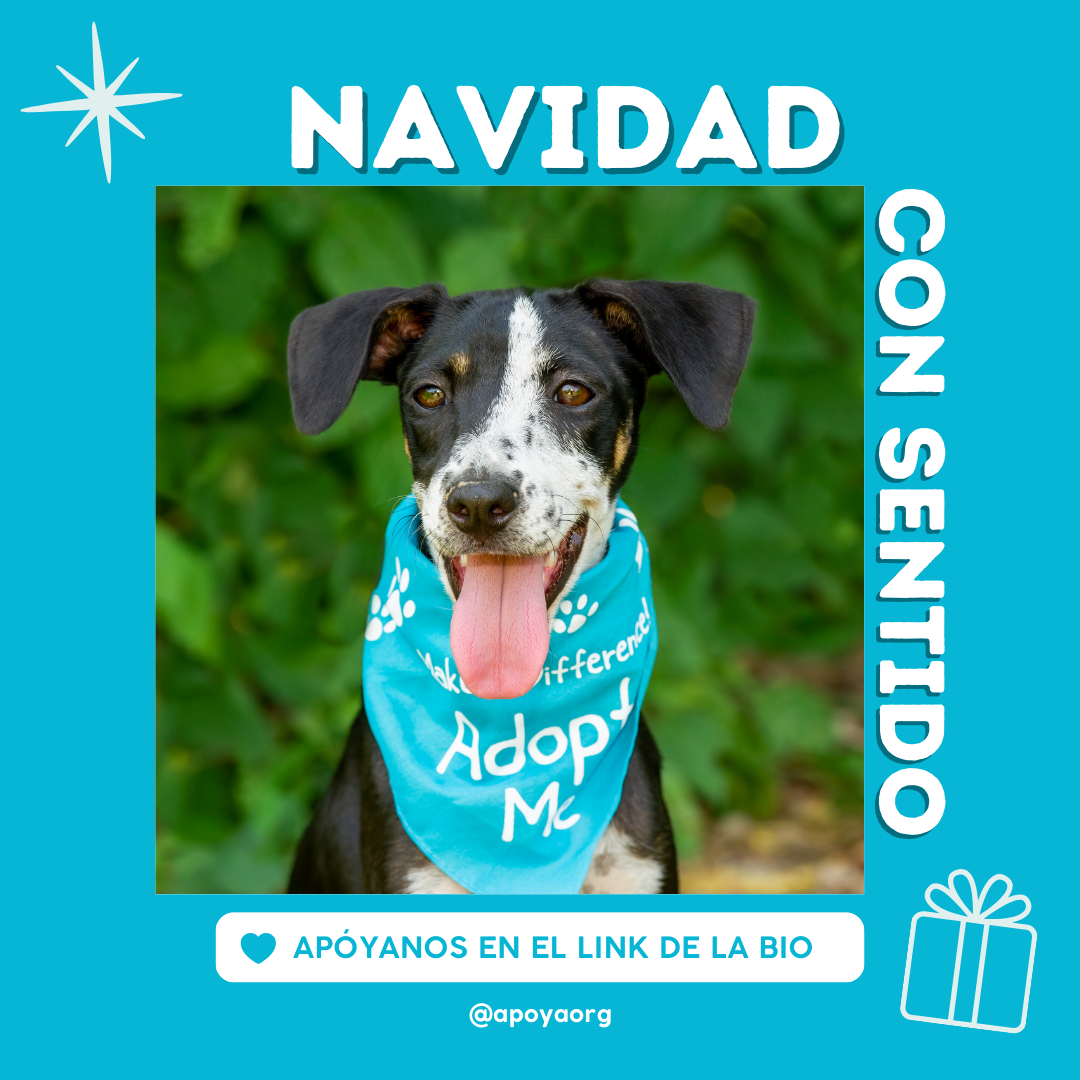
Social media templates
Find templates for Christmas posts here 👇
Was this article helpful?
Your feedback helps us improve this guide.