How to use the new profile design on eSponsor
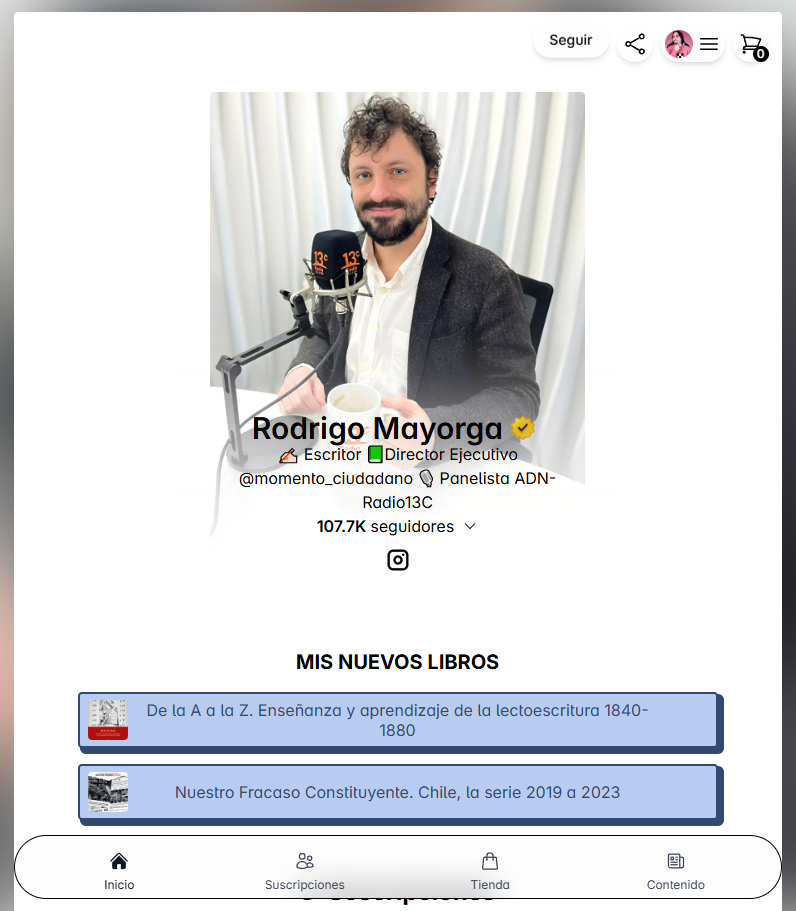
On eSponsor we have a more sophisticated profile design optimized for mobile, without sacrificing elegance on desktop. Want to try it?
Go to your profile customization. From your creator dashboard, click "Appearance" -> "My page" -> Open the "Design" tab. You can also access it from this link
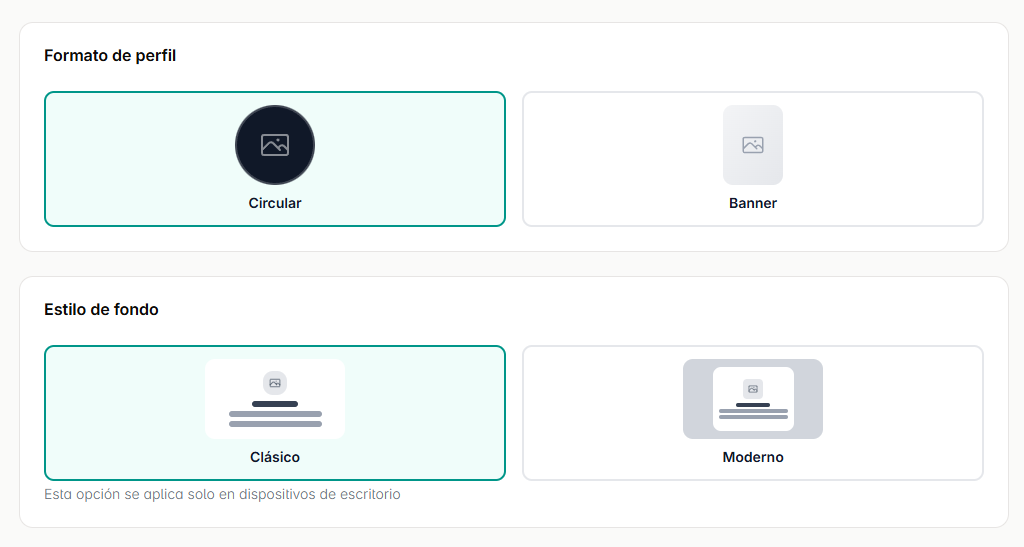
The new options are "Profile format" and "Background style". The "Circular" and "Classic" options are the ones you already know—let's talk about the new ones:
Vertical
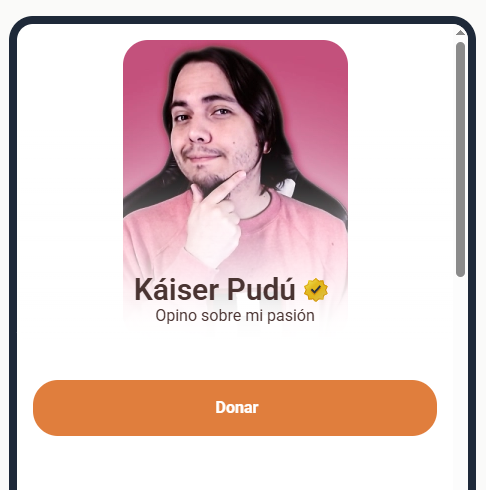
Vertical puts your profile photo front and center. It displays it in a larger rectangular space so your page feels more like your brand.
Modern
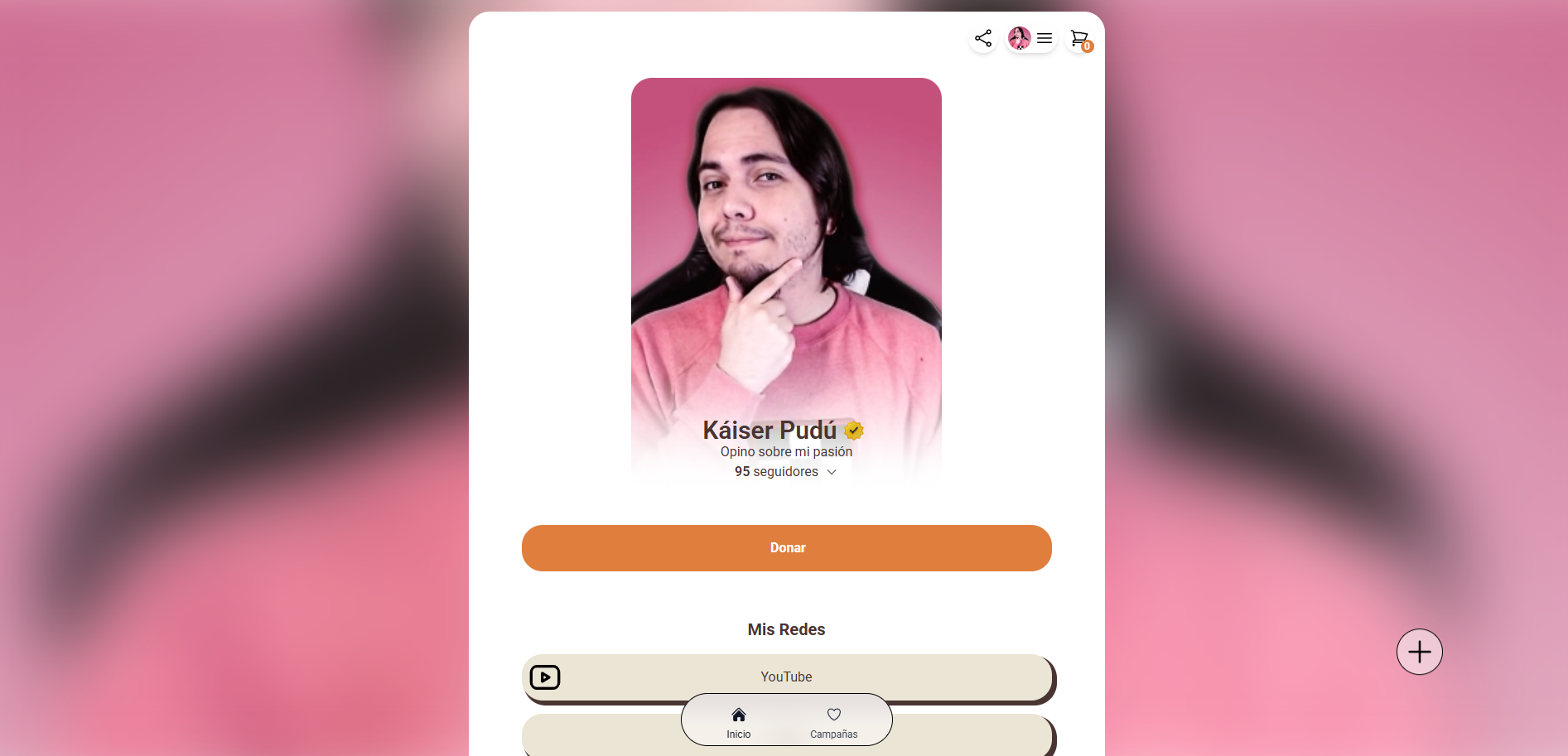
Desktop only. Creates a wallpaper based on your blurred profile photo to keep the mobile layout, while still looking great on a computer.
Your style, your brand
Use these new tools to show your page the way you want. You have the freedom to let your audience know who you are just by looking at your profile.
Was this article helpful?
Your feedback helps us improve this guide.