Prepare your Cyber on eSponsor
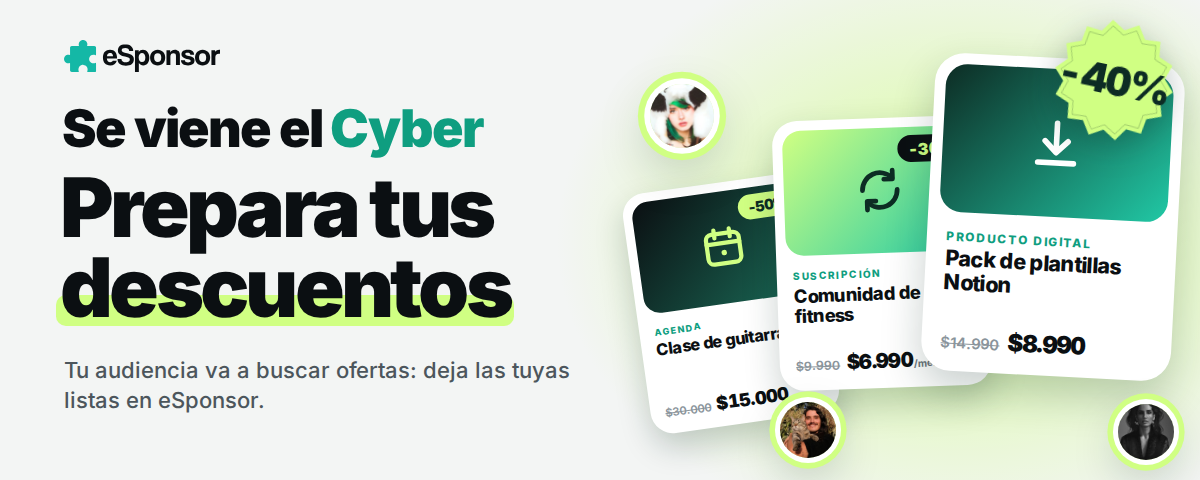
October 5–7, 2026
Use these days to sell your content, gain subscribers, or book sessions. Start with an offer that is easy to understand and a direct link to buy.
1. Choose one main offer
Use something your audience already asks for, or something that has sold well. A few ideas:
- Shop: bundle related content into a pack, such as a photo collection, templates, or digital resources.
- Subscriptions: offer a discount on the first month and explain what content they will receive.
- Classes or consulting: offer a session with a specific goal and add a guide or supporting material.
You can lower the price or add a useful extra. Before you decide, consider fees and the time you need to deliver what you sell.
Example: if your product normally costs US$20, a 25% discount brings it to US$15.
2. Set up your discount and your page
In Discounts, choose Shop or Subscriptions. You can use an automatic discount or a coupon, such as CYBEROCT.
Check the validity period and usage limits. State the end time: October 7 at 11:59 p.m., Santiago, Chile time. Make sure the settings match that deadline.
If you discount a subscription, say how long the promotion lasts and what they will pay afterward. For example: “First month at US$7; then US$10 per month.”
Highlight the offer on your page and show what it includes, what it costs, and how they receive it. Share the direct link to the product or plan and test it from your phone.
3. Announce it before Cyber and remind people during it
Before the 5th: announce the offer and show a preview of the content.
On the 5th: publish the launch, update the link in your bio, and send an email to your audience.
On the 6th: show how the product is used, or answer a common question.
On the 7th: remind people of the closing time and share the link again.
Message to adapt
My Cyber offer is live! Get product for price and currency. It includes content or benefit. Use coupon CODE until October 7 at 11:59 p.m., Santiago time. Buy here: link.
If the discount is automatic, remove the coupon sentence.
Get help from AI: ask it to adapt that message into three stories and a short email. Give it the real details of your offer, and check that it does not invent benefits or limited spots.
Checklist before you start
- My offer and its price are clear.
- The discount works and has the correct deadline.
- It is clear what the purchase includes and how to access it.
- I tested the link and the final price from my phone.
- I have the launch and the closing reminder ready.
- I can fulfill the deliveries or bookings I offered.
After Cyber: end the promotion, thank people for their purchases, and confirm that everyone can access what they bought. Tell new subscribers what content is coming next.
Was this article helpful?
Your feedback helps us improve this guide.