How do I join a private Telegram group?

If your favorite creator has a private group you can access through eSponsor, this guide will help you get in.
📌 Before paying for your subscription, we recommend having a Telegram account created and the Telegram app downloaded on your phone or computer.
How do I join a private Telegram group?
Follow these steps to join the private group. At the bottom of the page you'll find screenshots of the process.
- Find your creator's subscription plan that includes group access and click the Join button.
- Pay for the membership by following the checkout steps.
- After paying, you need to connect your Telegram account. If you don't have a Telegram account yet, one will be created automatically, linked to your phone number. Follow the steps below:
- If you click "Continue with Telegram", the Telegram app will open. Follow the on-screen steps to connect your account.
- If you prefer to connect using your phone number, click "Or sign in with a phone number" and follow the steps shown.
- If you prefer to connect by scanning a QR code, first click "Or sign in with a phone number" and then "Other sign-in options". The Scan a QR code option will appear, showing an image you can scan with your phone camera to connect.
- If the connection was successful, you'll see a message that says "Account connected successfully." Click "Continue" to find your group access.
- You'll return to the subscription plan page and now see a message titled "Access the Telegram group." Click the "Connect Telegram" button.
- The Telegram app will open and you just need to click "Request to join group." You'll be in the group!
REMEMBER! If you lose the link to the group, you can find it on the creator's membership page, or by opening the details of your paid subscription at: https://esponsor.com/memberships/tiers
Step-by-step with images

Find the subscription plan with Telegram group access. Click "Join" and complete the membership payment.
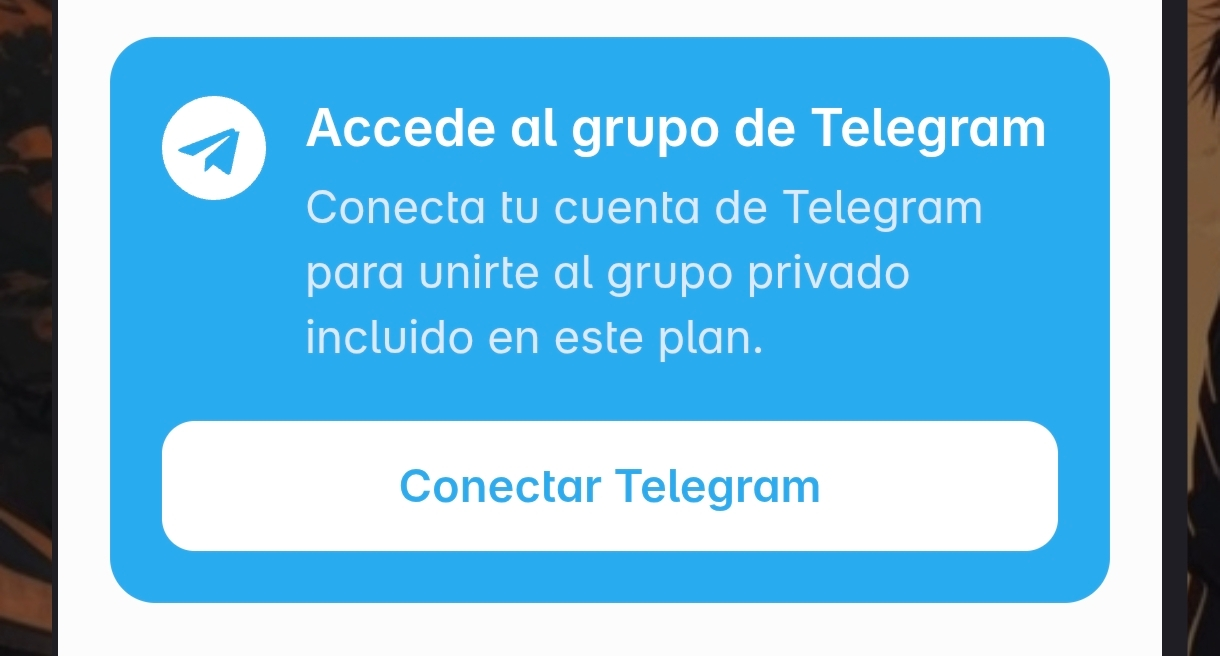
After finishing checkout, you'll return to the creator's subscription plan and see the "Access the Telegram group" box. Click "Connect Telegram" to continue.
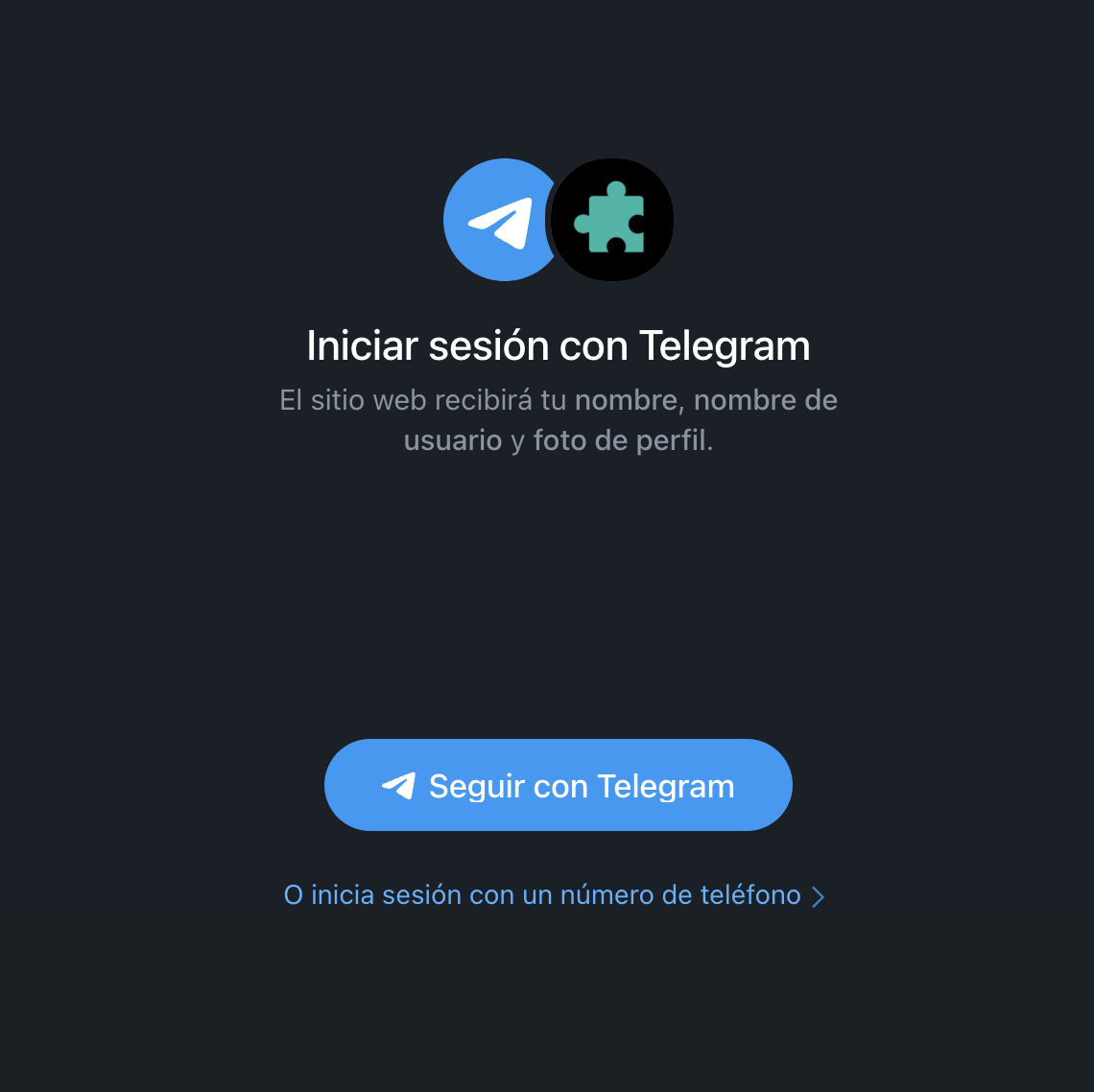
You'll start connecting your Telegram account. Click "Continue with Telegram" to continue from the app. If you prefer to sign in with your phone number or a QR code, click the link below the button. If you don't have a Telegram account, you can create one in the following steps.
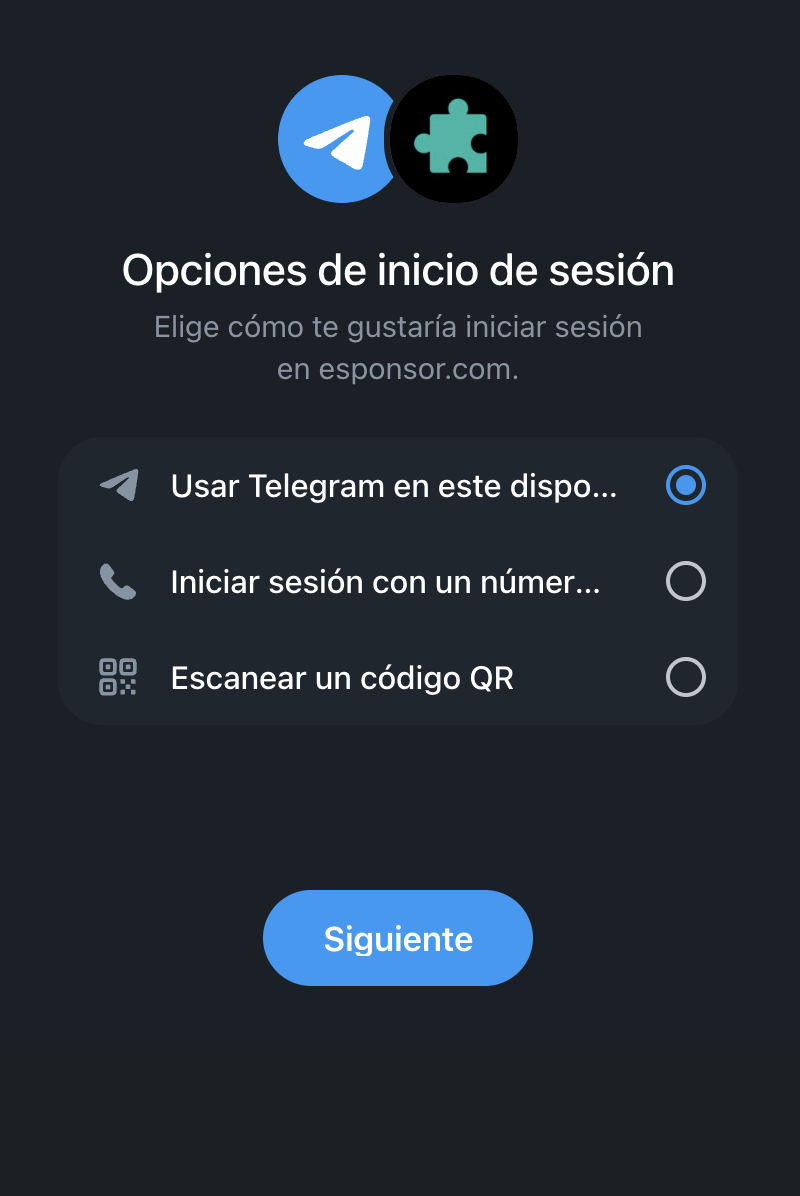
You can connect using your phone number or a QR code.
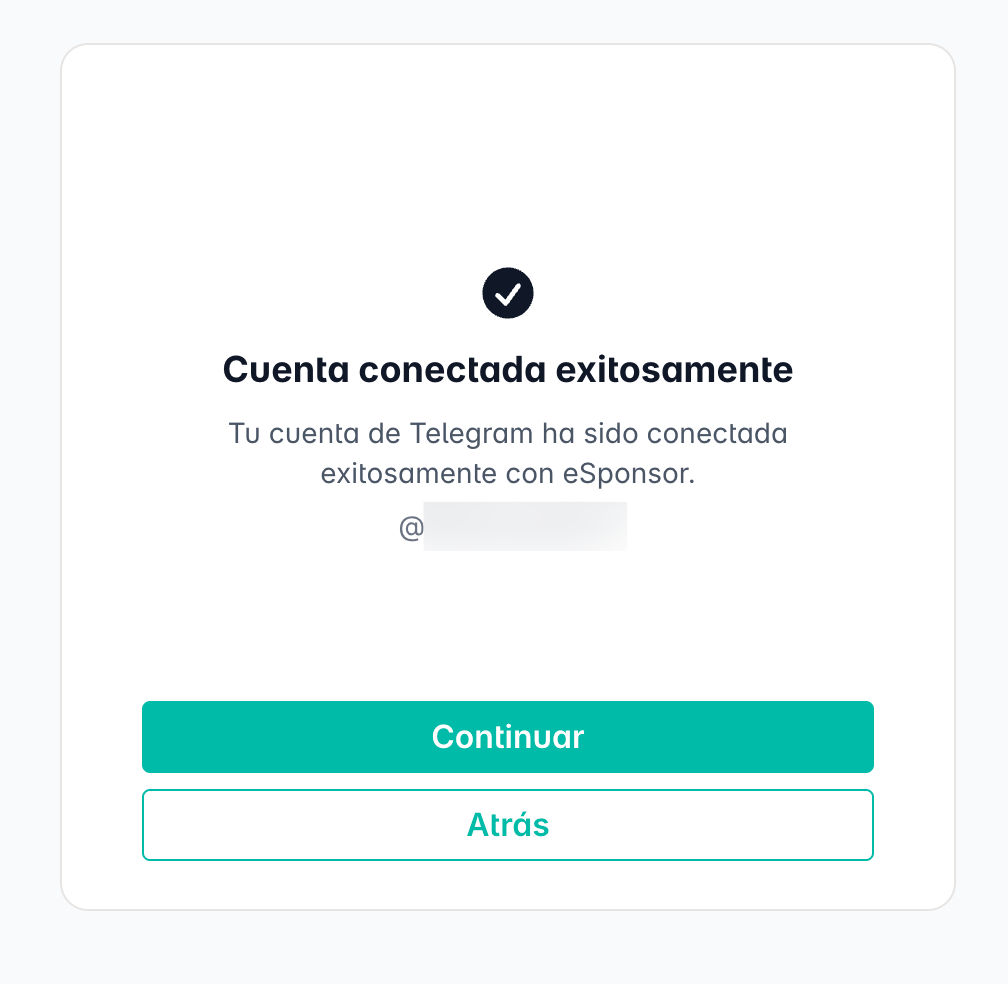
If you followed the steps correctly, you'll see a message like the one in this image. Click "Continue".
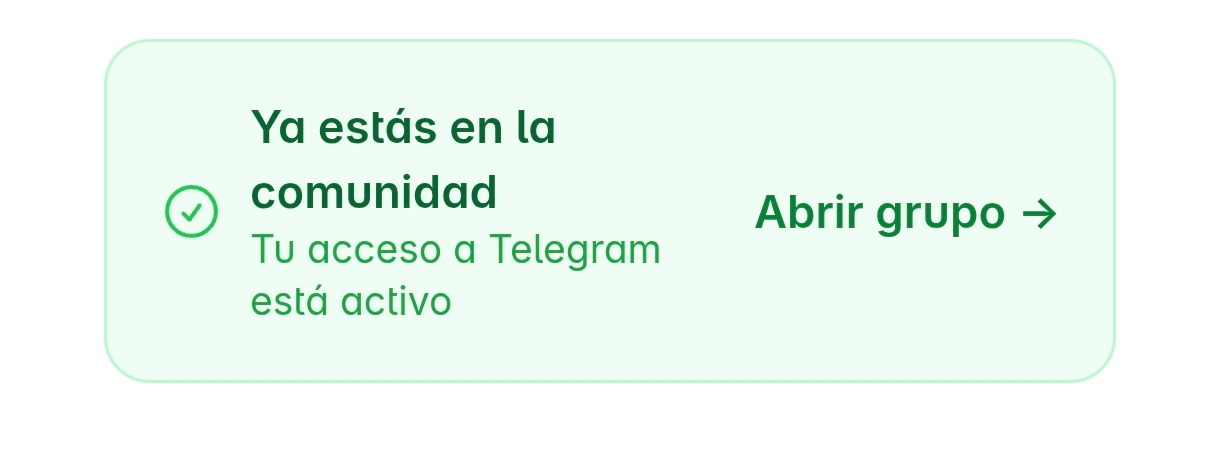
You'll return to the subscription plan page and now see the "You're in the community" box. Click "Open group" to open the Telegram app and enter the group.
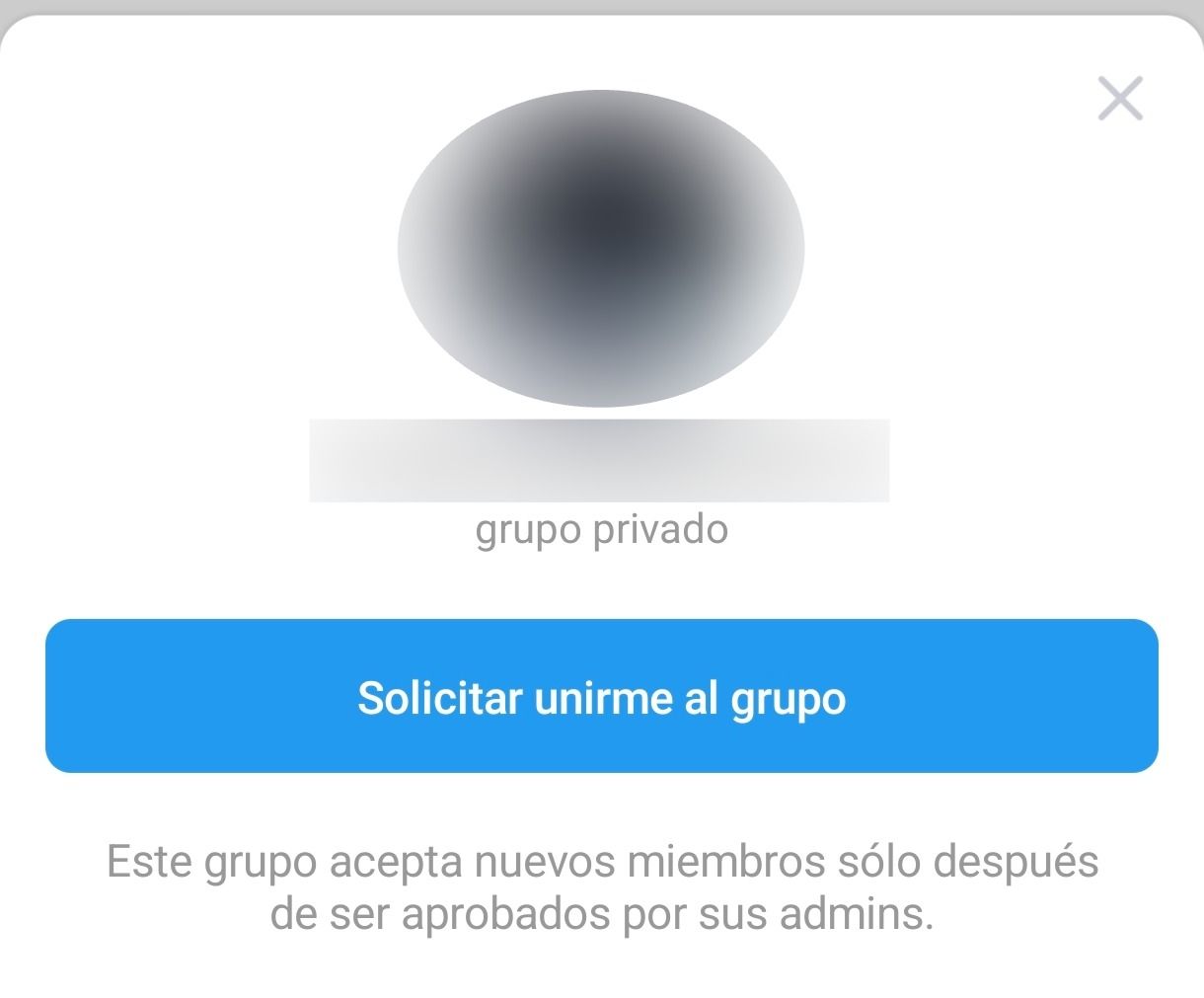
In Telegram a dialog will appear to join the group. Click "Request to join group" and you'll get access if your membership was paid.
Was this article helpful?
Your feedback helps us improve this guide.